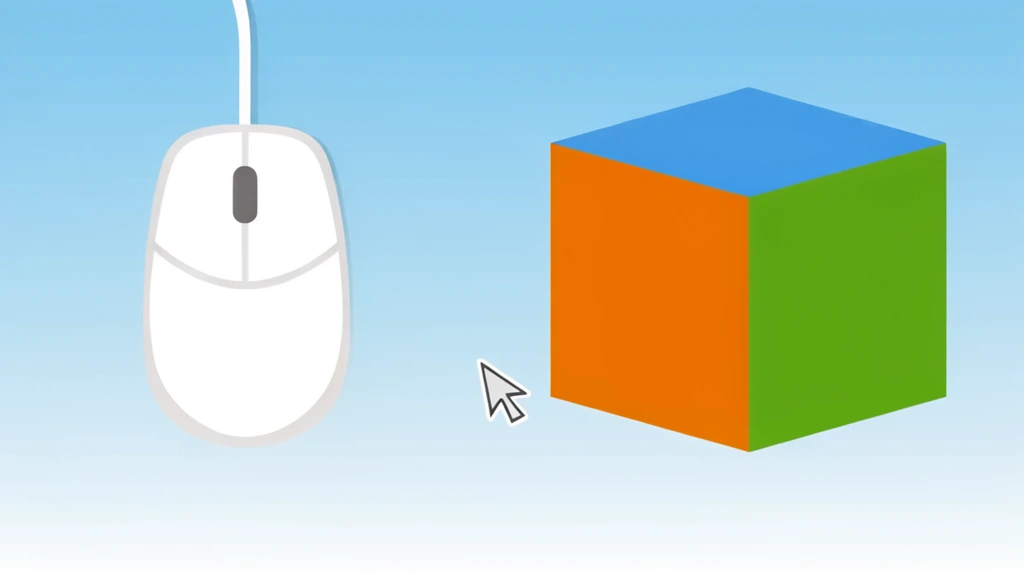
This is the very first episode of Eon's 3D Studio — the series where he'll use a computer to do modeling and programming. But before you can build a single 3D thing, you have to learn to drive the computer. So this lesson starts at the very beginning: a small grey gadget sitting on the desk. "What's this?" Eon's dad asks. "A mouse?"
Wait — is it really a "mouse"?
Here's the fun part. When his dad asks if it's the actual mouse, Eon answers honestly: "It's not." And he's onto something! It doesn't squeak, it doesn't run away. His dad even fumbles the joke and laughs — "I think I got it wrong, let me rewind that" — before landing the real answer.
So what is it? It's not the squeaky animal kind of mouse. It's a machine — a little controlling machine you slide around with your hand. The computer it controls here is a laptop: a foldable computer small enough to rest right on your lap. The word "mouse" is just a nickname people gave the gadget because of its small shape and the long "tail" cord older ones had.
Meet the cursor
Next, Eon's dad shows the magic trick. Look closely at the screen, he says — there's "a tiny little bits of thing" that moves whenever you move the mouse. Slide the mouse, and the little thing slides too. Eon spots it: "Wow. Little thing!"
That tiny moving arrow has a name: the cursor. The mouse and the cursor are like a puppet and its puppeteer. Your hand moves the mouse on the desk; the cursor copies that movement up on the screen. Move the mouse left, the cursor goes left. Move it in a circle, the cursor circles too.
Why does this matter so much? Because the cursor is where you point. It's your finger reaching inside the screen. With it you can select things (pick them) and deselect them (let them go). That's why his dad calls the mouse one of the most important controllers of the whole computer — every bit of drawing, coding, and 3D modeling that's coming later starts with steering this one little arrow.
Try it
Find any computer with a mouse or trackpad. Move it slowly and keep your eyes on the screen until you spot the cursor — the tiny arrow that follows your hand. Now try this: move the mouse left, then right, then in a big slow circle, and watch the cursor copy every move. Last, point the cursor at something and click to select it, then click somewhere empty to deselect it. You just learned the very first skill of Eon's 3D Studio.