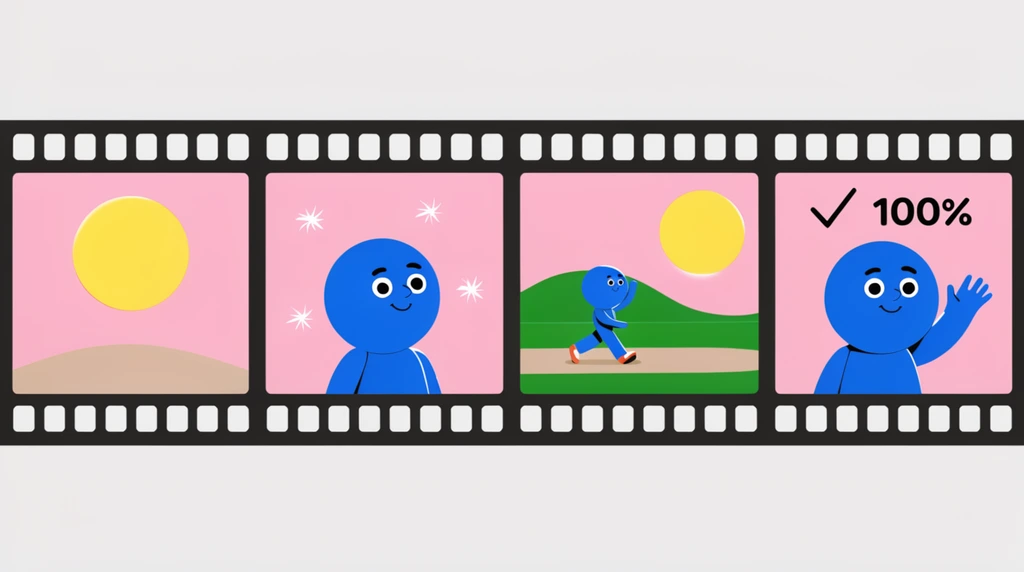
After all the building, Eon is finally ready to turn his moving moon into a real movie. "So let's see the rendered animation," he says — and it turns out the steps are "really, really simple." You go to Render, and you pick Render Image (just one picture) or Render Animation (the whole moving sequence). Eon picks animation, and something quietly amazing starts happening on screen.
An animation is built one frame at a time
The computer doesn't magically make a finished "video" all at once. Eon watches it work frame by frame: "one frame, one frame, one frame," each still picture finishing before the next one begins, then it "jumps to another image, and jump to another image."
A frame is one still picture. Show a whole bunch of them quickly, one right after another, and your eyes blend them into smooth motion. That is all an animation is — like a flipbook.
There's a catch, though. Eon's dad notices a mistake right away: "We did not change the position of the camera." The camera decides what each frame actually shows, and it was pointing the wrong way. After about seven frames had rendered, Eon's dad stops it on purpose — no sense rendering 250 frames of the wrong view. He nudges the camera angle back and lines up a better shot of the moon before trying again.
Every picture is really just pixels
While the frames render, Eon does something curious: he keeps zooming in on the moon to see the details. Zoom in close enough and the smooth picture breaks apart into tiny colored squares. "It's pixelated," he says — and for a second it looks a little like Minecraft. But his dad corrects the idea: Minecraft just uses a blocky pixelated style on purpose; here, the pixels are something deeper.
This is the real lesson hiding in the video — "the theory behind the camera." When a camera takes a shot, his dad explains, the picture is "just a pixel, pixel, pixel, pixel," row after row of tiny dots. Zoom in far enough on any image and it always turns into pixels. They even imagine standing on the moon, looking at its gray craters as a "black dotted area" of specks. Whether it's a photo, a game, or Eon's render, every picture on a screen is built from these little squares of color.
Lowering the sampling to render faster
The first render looked great but felt slow. So Eon's dad changes one setting: he decreases the sampling down to around 100. Sampling is how many times the computer checks the light and color for each spot in the picture — more samples means a cleaner, more detailed image, but it takes longer.
He also tells it to "get rid of the noise" (the grainy speckles a low-quality render leaves behind) and hits render animation again. The difference is instant: instead of crawling one frame at a time, the frames now pop out two at a time — "one frame, two frame... three frame, four frame." Much quicker! The picture is "not very detailed" if you zoom way in, but for a smooth preview, faster wins.
That's a real trade-off animators make every day: more sampling = prettier but slower; less sampling = faster but rougher. By the time Eon checks again, the moon is actually rotating, and the render has reached frame 28 out of 250 — about a tenth of the way done. Rather than make everyone wait, his dad stops the render to let it finish off-camera. A spinning moon movie takes patience to build.
Try it
Make your own animation with paper. On the corners of 10 sticky notes, draw a small moon and move it a tiny bit each page. Flip them fast — those 10 drawings are your frames, exactly like the frames Eon's computer rendered.
Then zoom in on any photo on a phone or screen until you can see the pixels — the tiny squares of color. Try to spot the moment a smooth picture becomes a grid of dots. That grid is what every rendered frame is secretly made of.