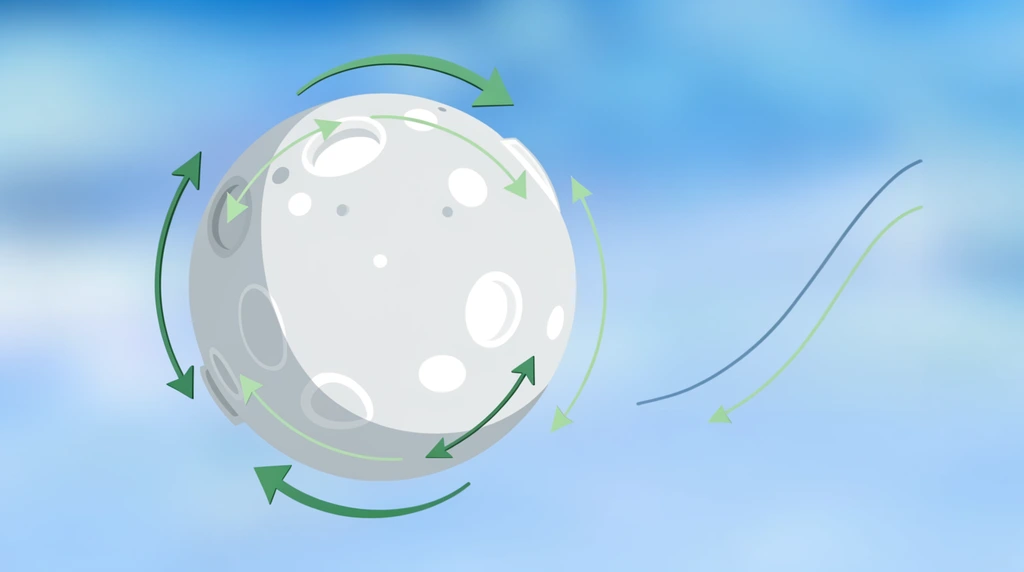
This lesson opens with Eon's dad saying he's genuinely impressed — because Eon asked "a very, very deep question." They'd built a moon in an earlier video and made it spin, and while watching that spin Eon noticed something most people never catch: the moon slows down the movement. It doesn't turn at one steady pace. It speeds up, then slows down. Why? That single observation is what the whole video is about, and it's a sharper question than it sounds.
What a keyframe really does
To see what's going on, Eon's dad starts a fresh demo. He offers Eon a choice — "cube, circle, UV sphere, cone, torus, or even a monkey" — and Eon picks the UV sphere, about the same size as the moon. Then Eon decides it should be Earth: "green and blue," "Earth color." They poke at sculpting and texture paint (which doesn't change anything — "nothing happened... that's weird"), so instead Eon's dad goes into edit mode, selects faces, and assigns a green material to make continents. Eon names them as they go — "This is America," then "let's do Africa" — like a scientist rebuilding the planet. Dad keeps reminding him this rough ball is "just some representation," not the final product.
Then the real lesson: keyframes. At frame 1 he inserts a keyframe to lock the sphere's starting spot. He scrubs ahead, moves the sphere along the X-axis, and inserts another keyframe. Now the computer does the magic in between — it interpolates, filling in every frame between the two keyframes so the ball glides smoothly from one place to the other. Eon even duplicates a keyframe (Shift+D) so the moon travels out and comes back.
Experimenting with distance (and an honest mistake)
The first try feels too slow, so Eon's dad types a big number — −100 on the X-axis — and the moon shoots "so far away." Run it, and "the moon is moving like crazy!" But that sparks a great real-world check: that's not realistic for a moon. So they dial it back to 20, which looks much better from the side view.
Watch what happens next, because it's the most useful moment in the video. While adjusting, Dad accidentally scales the sphere instead of moving it. Eon catches it instantly — "Is the Earth orbiting the moon? ... it's moving farther away." Dad owns it cleanly: "I made a mistake. Sorry... everybody makes a mistake." In a 3D tool, grabbing the wrong handle (move vs. scale) is exactly the kind of slip that happens constantly — and the fix is simply to undo and try again, not to panic.
The answer: the Graph Editor changes the speed
Now Eon's dad finally answers the original "why isn't it even?" question. The Timeline only shows where the keyframes sit. To control the speed between them, you switch to the Graph Editor, where the motion is drawn as a curve. By default that curve is bowed — which is exactly why the moon eases: slow at the start, fast in the middle, slow at the end. That easing is what Eon noticed.
Then comes the fun part. Select the curve, press T, and pick a different interpolation:
- Linear → no speeding up or slowing down. "There's no speeding up or slowing down" — a perfectly even, constant speed. This is the direct fix for Eon's question.
- Bouncy → "Boom!" The ball overshoots and bounces, like it hit the floor.
- Elastic → "boom boom boom boom" — it wobbles past the target and springs back.
- Back and Bezier are there too, for other made-up motions.
Eon's verdict on the wild ones is honest: it's "pretty fake, because nothing in the real world will work like this." Exactly right. They settle the spin back to linear so the speed stays constant — proving you can dial motion from "even" to "cartoon bouncy" just by changing one curve.
Eon keeps circling back to the real goal — "But how do I orbit it?" he even asks himself — and Dad's answer is the whole spirit of the series: "We can do all the things, but we have to do that one step at a time." Orbiting is saved for the next video. First, understand how animation interprets a keyframe.
Try it
Wave your hand slowly from one side of your body to the other. Did it snap to full speed instantly, or did it ease — start slow, speed up, ease to a stop? (It eased. Almost all real motion does, which is why Blender's default curve looks natural.) Now try the opposite: move your hand at the exact same speed the whole way, like a robot. That stiff, even motion is linear — the setting Eon used to make the moon turn at a constant speed. Real motion eases; machines move linearly. Spotting that difference is the same trick Eon used to ask his very deep question.