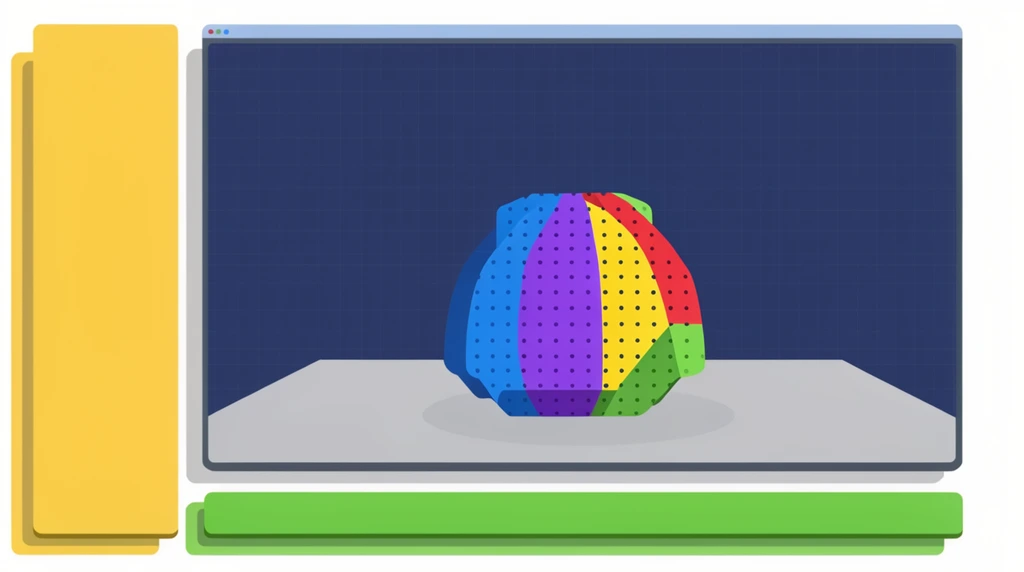
In this short video, Eon and his dad open up the real tool they'll be using for 3D work: a program called Blender. His dad calls it "very professional software" that can "do tons of things" — and then gives the best description of all: it's "like an all tool in the box." One program, lots of different jobs.
What can one program really do?
Before they build anything, Eon's dad runs through what Blender is for. Want to make animation? You use Blender. Want to do modeling — shaping 3D objects? Same program. Want a 3D print, something you can actually hold in your hand? "You can print it out. You can use that," he says.
That's a big idea hiding inside a casual line. A lot of tools do exactly one thing — a hammer hammers, scissors cut. But some tools are more like a whole toolbox: animation, modeling, and printing all live in the same place. Knowing that one program covers many jobs is its own kind of learning, because it means you don't need a different app for every idea — you just need to learn this one well.
Where the watch came from
Here's the moment that turns a software demo into a real project. Eon doesn't ask for "a lesson." He describes a shape: he wants a circle that does something — and his dad instantly reads what he's picturing: "Oh, you want to make a watch?" Yes. A watch.
His dad doesn't say it's too hard. He says, "If you want to build a watch, I can build a watch" — and then, honestly, "But it's really really complicated." Both things are true at once, and that's the point of the whole video: complicated does not mean impossible.
The plan: project-based learning
This is the method his dad names out loud — project-based learning. It works like this:
You say whatever you're interested in. Then we build it. And while I'm building it, I cut it into bite-size sections — short videos that each teach one thing. On its own, each piece is small. Combined together, they finish the whole project you wanted.
So the giant goal ("make a watch") never gets tackled all at once. It gets sliced into many tiny, doable steps, and you learn from the process of building, not from drills you'd forget. That's why a project you care about beats a worksheet: the thing you want to make pulls you through every skill along the way.
Don't let "overwhelming" stop you
Eon's dad is upfront that Blender can feel like a lot at first. But listen to how he reframes it:
"It will be overwhelming at first, but it is not so complex. It is just a skill. If you see me doing it — like you see a carpenter do it — then you can do that yourself."
That carpenter line is worth keeping. A carpenter's work looks impossible until you watch it step by step; then you realize it's just practiced moves in order. Modeling a watch in Blender is the same: watch, copy, practice, and the "complicated" thing slowly becomes something you can do.
Try it
Pick one small thing you'd genuinely love to make — a watch, a ring, a toy car, a nameplate. Then don't try to build the whole thing. Just answer one question: "What is the very first small step?" Maybe it's drawing a single circle. Write that step down. That's exactly how Eon's watch — and every big build — begins.