This time in his Blender modeling series, Eon starts by looking back at the watch he built last time. His dad points out something big: that watch isn't one complicated object — it's a bunch of simple shapes squashed and rearranged. Then they build a whole little scene together: a floor, a cube, a light Eon can sweep across the sky, and a sphere he wants to turn into a planet.
Everything is just simple shapes
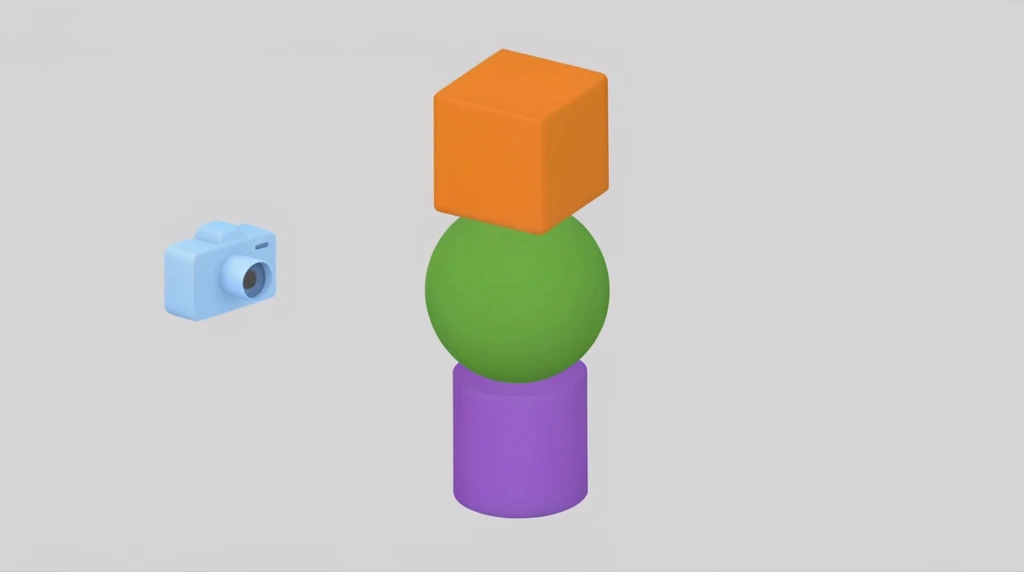
Eon's dad takes the finished watch apart in words. One piece is "really squashed down cylinder." Another piece is "also a cylinder." A third is "just a different cube" — they just rearranged the same basic shapes and placed them together.
That's the whole secret of 3D modeling, and it's worth slowing down on. A model that looks hard to make is almost always built from primitives: cubes, cylinders, spheres. Eon even laughs that some shapes were placed "really badly" at first — but messy placement is fine, because you can always move and rescale the parts until it looks right.
Move it with Grab — and lock it to one axis
To start a new scene, they add a floor. Holding Shift and pressing A opens the add menu; inside Mesh, the very first option is Plane — a flat square with nothing to it, perfect for a ground to stand on. It comes in tiny, so Eon presses S to scale it bigger and clicks to confirm.
But first he has to get the cube off the ground. Here's a really useful trick. Press G to grab the cube, and you can move it anywhere with the mouse. The problem is the mouse moves it in every direction at once. So Eon presses Z right after G — now the movement is locked to the up-and-down Z axis, and the cube rises straight up without drifting sideways. He nudges it up, then clicks to confirm.
Grab + axis is the move-it-precisely combo: G then X, Y, or Z moves along just that one line. It's how you lift a cube exactly above a floor instead of sliding it all over the place.
If you want a number to be exact, the N panel shows the value. When Eon's cube sits at 1.0411, he can type 1 and press Enter to snap it neatly to the floor.
Turn the lights on (and make a sunrise)
At first the new light seems broken — you add it but nothing changes. Eon's dad explains why: the scene is in solid mode, which doesn't show lighting at all. He clicks through the shading modes — wireframe, solid, material preview — and lands on rendered mode, where the light finally shows up and the scene looks real.
Now the fun part. Eon grabs the light with G and drags it around. Move it slowly and you can watch the whole scene change as the program calculates the new shadows. Sweep the light low on one side, up to the top, and down the other side, and you've made a tiny day: "the sun going up... the middle of noon... and sun go down." Eon cheers, "Beautiful sunset!" Because it's his own 3D world, he controls where the sun is.
A UV sphere becomes a smooth planet
Eon wants the center object to be round, so they delete the cube (X, then confirm) and add a new shape: Shift + A → Mesh → UV Sphere. It starts half buried in the floor, so he uses the same moves he just learned — front view, G, lock to Z, lift it above the ground, then S to scale it up. "I want like plan Earth," he says, making it big and round.
But the sphere looks blocky, made of little flat faces. Eon doesn't like the "pixel" look: "I want smooth." The fix is one click. A secondary (right) click opens a menu with Shade Smooth — pick it, and the faceted ball turns into a smooth, round surface. Suddenly it really does look like a planet, with the light acting as the sun rising and setting over it.
His dad teases an idea for next time: change the sphere's material to glass. A glass planet is see-through, so if you put the light inside it, you'd still see the glow — something a solid object would hide. Eon's already imagining planets, and that's the perfect place to stop.
Try it
Pick a real object near you — a clock, a toy, a water bottle — and play "spot the shapes." Say out loud which cylinders, cubes, and spheres it's made of. Then try the sunrise game with any lamp and a ball: move the lamp slowly from low, to high, to low on the other side, and watch the shadow swing across the ball. That sweep is exactly what Eon did with his light to turn his sphere into a planet with its own sunrise and sunset.