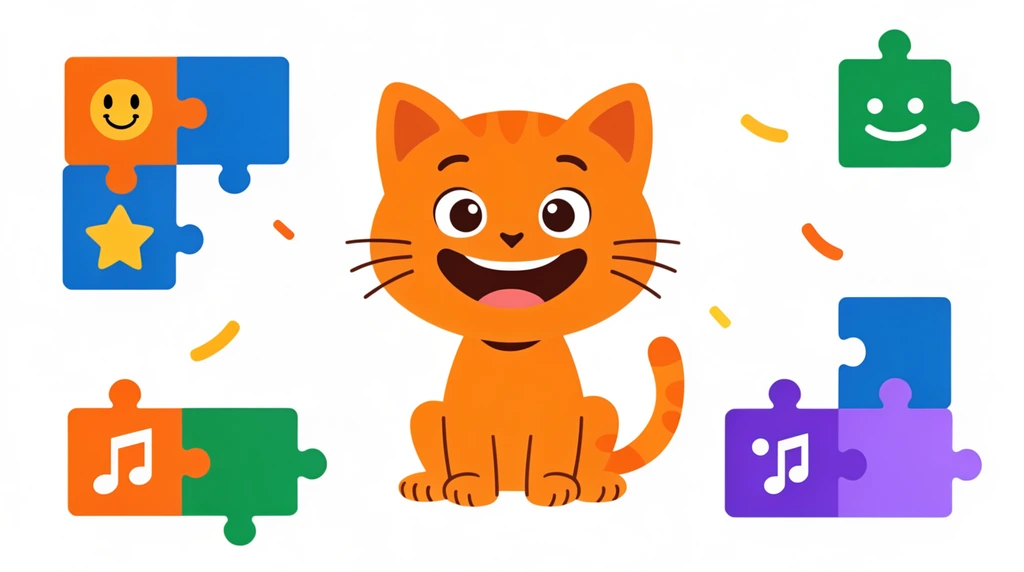
In Coding Lab 4, Eon meets the tool he'll actually build with. His dad opens it up and explains the plan in one sentence: "We're going to learn programming by using a software or app called Scratch." Eon repeats the name right back — "Scratch" — and the lesson is off. By the end of this short session they have an iPad out, an app open, and a cat ready to take orders.
A language made for kids
Dad calls Scratch "a kids' programming language that helps you to learn." Eon jumps in with the key point himself: "Like me — I'm a kid." "Yeah, you're the kid," Dad agrees.
That little exchange is the whole reason Scratch exists. Most people don't start coding by typing out lines the way a professional does. Eon's dad knows this from real work — he builds things for a living — so instead of throwing hard tools at a kid, he reaches for the one designed for one. The grown-up languages can wait. Today the job is just to learn how coding thinks.
What the grown-ups use
Before they dive in, Dad is honest about what he types every day, so Eon can see what he's starting instead of:
- Swift — for building iOS apps (the apps on an iPhone or iPad).
- C#, C++, or GDScript — for making games. (GDScript is the language inside Godot, a game engine Dad uses.)
Those are text languages. They're powerful, but you type every single line, and the computer is fussy about getting it exactly right. "For kids, it's a little bit complicated," Dad says — so they begin with Scratch instead. Notice he didn't say Scratch is fake coding or baby coding. It's a real first step on the same path that leads to Swift and Godot later.
ScratchJr, the cat, and the iPad
The exact version they use is Scratch Junior — ScratchJr — the one made for the youngest coders. "It runs on this machine," Dad says, and Eon names it: iPad. No mouse, no keyboard full of code — just a screen you tap.
Then comes Eon's favorite discovery. "Look at this — they have a cat!" Dad
points out. "Yeah, I got a cat! Got like an icon here," Eon says. That cat is
the character he's going to control. In ScratchJr you don't write move the cat; you snap a block onto the cat and it moves. The blocks are the
instructions, and the cat does whatever you stack up for it. "We're going to
practice our coding using this," Dad finishes — and that's exactly where the
real building begins.
Blocks now, text later. The thinking — do this, then this, then that — is the same thing Dad does in Swift. Only the typing is gone.
Try it
You don't need an iPad to think like a ScratchJr coder. Find a small toy and be the "program."
- Write three instructions on paper, one per line: walk forward, turn, jump.
- Read them top to bottom and make the toy do each one in order.
- Now swap two lines — put jump first. Read it again. Did the toy do something different?
That's the big idea Eon is starting with: a program is just instructions in an order, and changing the order changes what happens — whether you're snapping blocks onto a cat or typing Swift like his dad.