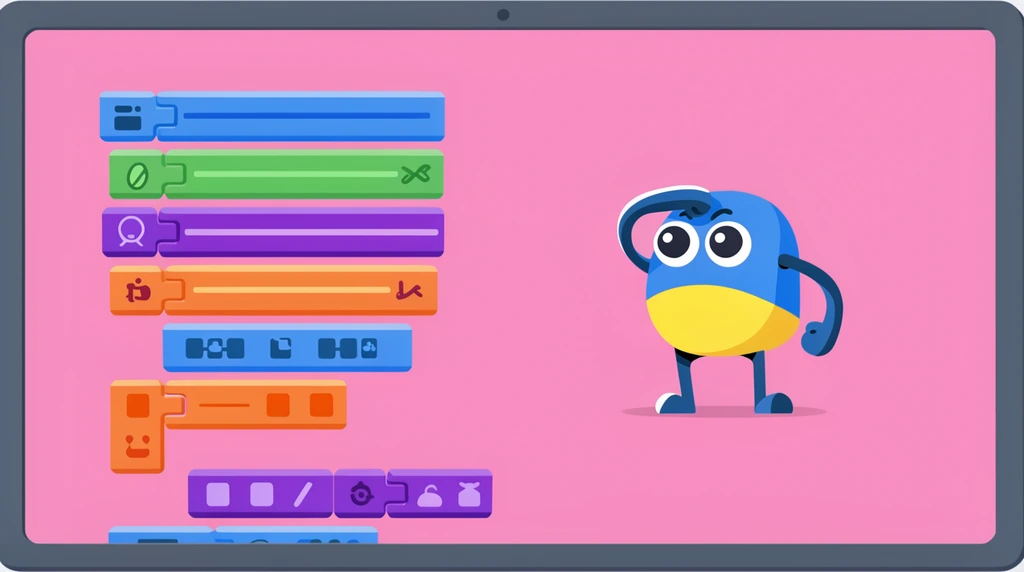
"I'm speaking all the time," Eon's dad says near the start, "so I want you to start doing something." That's the whole spirit of this lesson. Instead of explaining every step while Eon watches, his dad hands him the iPad and makes him press the buttons in ScratchJr himself. You don't learn to code by listening — you learn by tapping.
Find your way around the home screen
Before you can make anything, you have to know where the buttons are. Eon's dad points out three on the ScratchJr screen:
- a Home button — "the house, like an icon," Eon notices,
- a question mark for when you need help,
- and a + (plus) to start something new.
First, dad quizzes him: "If I want to go to home, you press which button?" Eon answers — the home button — and presses it himself. That screen is home base. As his dad explains, "every project you write will be here." It's the shelf where all your games live.
Plus means "I want more"
Now the funny part. Eon keeps looking at the + and saying it looks like the letter S. His dad slows way down to clear it up: "Plus, not X. X is like this, plus is like this." Tilt a plus sign and it really does look like an X — so the difference is worth noticing.
Then comes the meaning behind the symbol: "Plus means I want something more." When you want one more project, you tap the plus. Eon does — and "bam," a brand-new, blank project appears.
Player or maker?
Here's the quiet but huge idea. When that empty project opens, dad says it isn't a game you tap and play — "that's how a developer views the game." Same iPad, same cat character, but Eon's job just flipped.
Eon even asks, "Do all developers do this?" Yes. This blank workspace is a game engine — the place where games get built instead of just played. A player opens an app to enjoy it. A maker opens it to create one. By pressing Home and then + with his own finger, Eon just stepped from one side to the other.
Try it
Open ScratchJr (or any maker app you have). Press the house to get to home, find the +, and tap it. Watch a fresh, blank stage appear. That empty stage is the start of your game — and now you're the developer.