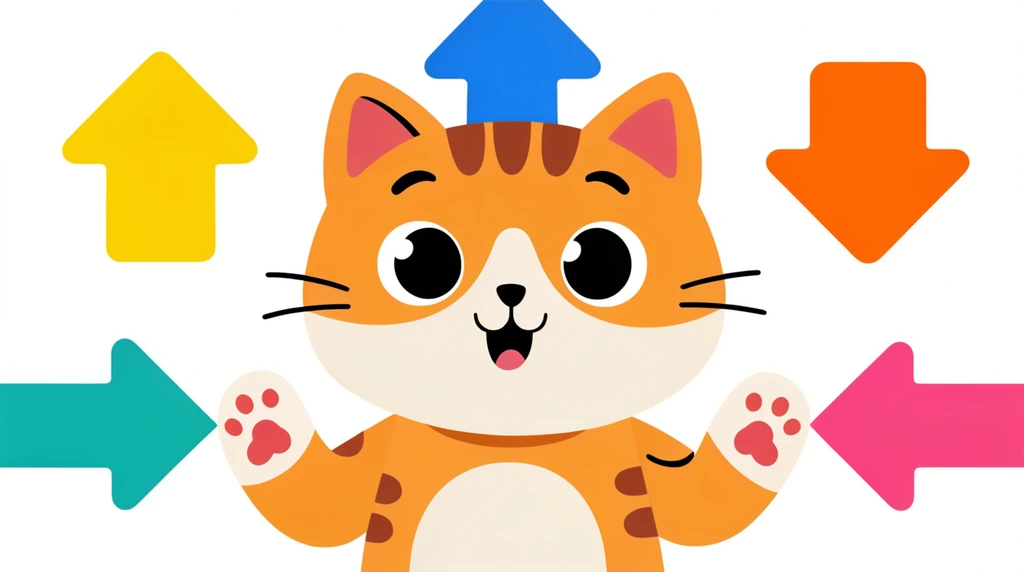
The lesson opens with a little toast — "Cheers!" — and a real congratulations: Eon has already made his first game. But his dad isn't done. "We can control so much more," he says. Right now the screen shows just one thing: a cat, sitting in the middle, not moving. This whole lesson is about waking that cat up — and discovering that Eon is the one holding the controls.
A flat cat, sitting still
Eon's dad starts with something Eon already knows from TV. Think about the cartoons you watch — Peppa Pig, for example. They're flat. Pretty flat, just like the cat on the screen. That flat, 2D look isn't a mistake; it's a style. Lots of games and shows use simple flat characters and then bring them to life with code instead of redrawing every picture by hand.
So the cat is flat, and at first it just sits there. That's the starting point. A character like this — one you control in your program — is called a sprite. The cat is Eon's first sprite, and right now it's waiting for orders.
The developer gives the orders
Here's the big idea of the whole video. Eon's dad has him select the cat, and suddenly a menu of choices appears: the cat can go right, left, up, and down. It can rotate (spin to face a new way). And it can repeat — do the same move over and over in a loop.
Then comes the line that flips Eon's whole view of games:
"If everyone plays the game, they can't control it. They just follow your direction — because you are the programmer. You say, 'Hey, this cat, move forward,' and the cat moves forward."
Sit with that for a second. Up to now, Eon has been a player — following other people's games, obeying rules someone else wrote. Now he's on the other side. He can make the cat go forward, then backward, then forward again. He can loop it. As his dad puts it: "You no longer need to follow other people's games, because you are the developer. You can do whatever you want." The cat doesn't decide. The players don't decide. Eon decides.
It was "instructions" all along
This is where the title of the video clicks into place: we are writing instructions. Eon's dad reminds him of something from an earlier lesson — "developers just write some instructions." And that's exactly what's happening right now. Telling the cat to do this, do that, do this, do that, repeat, and then end — that is an instruction.
That's the secret hiding under every game and app: a program is just a careful list of orders, given in order, sometimes repeated in a loop, until you reach the end. Eon isn't only playing anymore. By stacking up move-right, rotate, repeat, he's coding — writing the instructions a computer will follow exactly.
The video ends right as the adventure levels up. "But now I want to go forward," his dad says. "Let's try this." The cat is about to actually move.
Try it
Pretend you are the developer and a friend (or a stuffed animal) is your sprite. Give it three clear instructions, in order — for example:
- Move forward three steps.
- Rotate to face the window.
- Repeat step 1 two more times, then stop.
Now watch your "sprite" follow your orders exactly — no more, no less. Did it end up where you expected? If not, your instructions need fixing, not your sprite. That is exactly what real programmers do: write the steps, run them, and tweak the ones that didn't do what they meant.