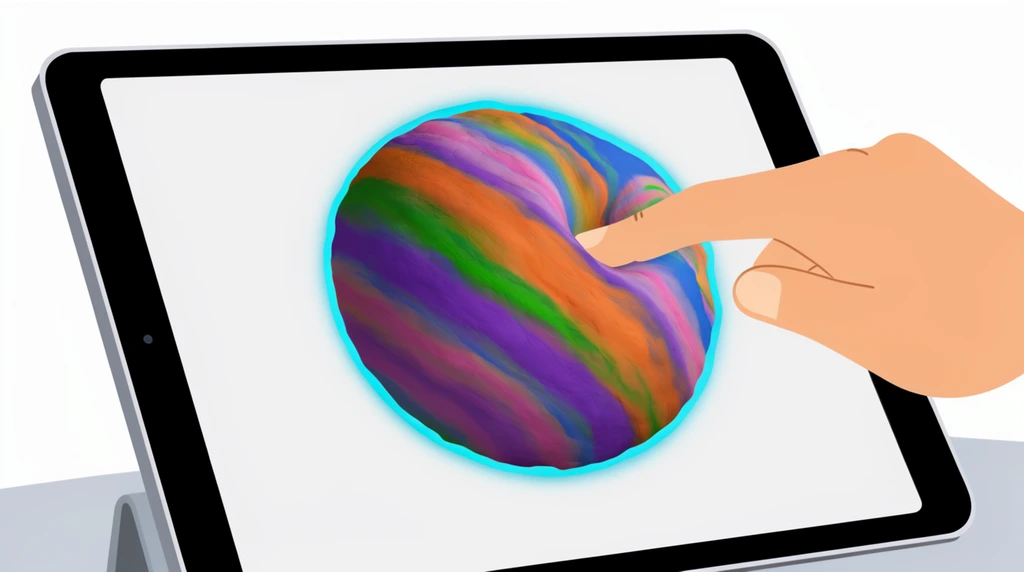
Eon loves size-comparison videos — the kind that start with something tiny and keep zooming out until your brain melts. In this first Modeling Lab episode he stops just watching them and starts building his own, using a digital sculpting app on the iPad called Nomad Sculpt. As he puts it, in real life you "use clay to sculpt" an animal or a person — this is the same thing, except the clay is made of pixels. So you never run out, and you can zoom way in or way out.
The episode opens with Eon showing off the universe he already started: "I made planet Earth." Then a tiny mystery — "I don't know where the pyramid go. Where's the pyramid?" They hunt around the scene (past a sphere he nicknamed Rainbow) until the missing pyramid turns up sitting on his little planet. That hide-and-seek is the whole point of the lab: when objects are wildly different sizes, the small ones disappear.
Your clay is a sphere — just change its radius
Almost everything big in space is a ball, so a size-comparison universe is really a pile of spheres. In Nomad Sculpt, Eon adds a simple sphere object and then changes a single number — the radius. Turn the radius up and the ball goes "bigger, bigger, bigger, bigger," he says; turn it down and it shrinks back toward a dot. That one slider is the entire trick behind every model he makes today.
You can watch the trick pay off live. Eon zooms in on his pyramid-topped Earth, then zooms out — and the pyramid vanishes: "If I zoom out, you can't even see the pyramid anymore. But look — that dot is our planet." A whole pyramid, gone, just because the camera pulled back. Seeing something real shrink to a speck is exactly what makes those YouTube videos feel so enormous.
Earth, the Sun, and a star bigger than the Sun
Here is where Eon teaches the grown-up something. He points to a pale ball and starts to call it a planet, then corrects himself: "Oh, this is not a planet. It's a star." The white star, he explains, is Sirius A — and it is "two times bigger than the Sun." Catching his own slip and fixing it out loud is precisely how scientists work.
Now the comparison has an order, smallest to biggest: a planet (Earth, a dot), then our star the Sun, then an even bigger star, Sirius A. The grown-up admits, "I did not know that" — twice — because Eon keeps supplying the facts. "Two times bigger than the Sun" stops being just words once the spheres sit side by side and your eyes can measure the gap.
Zooming all the way out to a black hole
Eon's plan for the finale is the biggest zoom-out of all: a black hole. He wants to place it at the top of the screen so it bends the light around it — the glowing-ring look from the movie Interstellar, whose famous black hole is named Gargantua.
Real space has black holes too, and Eon drops a fact that genuinely surprises his dad: at the center of the Milky Way there is a supermassive black hole called Sagittarius A*. "You remember that name? I did not know that," the grown-up says. They even start arguing about which is bigger — the movie's Gargantua or the real one — and land on the honest answer: nobody's sure. As Eon's dad admits, that's "out of my knowledge base" — his strengths are programming and modeling — so this is the episode where the kid is the space expert. And "I don't know yet" is a perfectly good scientist answer. His finished universe will climb the full size ladder: a pyramid too small to see, up through planets and stars, out to a black hole at the heart of a galaxy.
Try it
You don't need an iPad to feel a size comparison — you just need things that are round.
- Find a tiny ball (a peppercorn or a pea) and call it Earth. Balance a crumb or sprinkle on top — that's your "pyramid."
- Find a medium ball (an orange) and call it the Sun. Hold them apart. See how Earth is just a dot, and the crumb is invisible?
- Find your biggest ball (a basketball or beach ball) and call the giant star Sirius A, about twice the Sun's size.
Now line them up small to big and "zoom out" by slowly walking backwards. Watch the tiny Earth vanish first — exactly what happened on Eon's screen. If you ever open the app, remember: the only thing you change to grow each ball is its radius.