3D Studio
3D modeling & animation — keyframes, interpolation and rendering.

Keyframes: Making a Moon Spin by Itself
Eon animates a 3D moon in Blender with just two keyframes, learns that the real Moon is tidally locked to Earth, and discovers the computer fills in every frame in between.
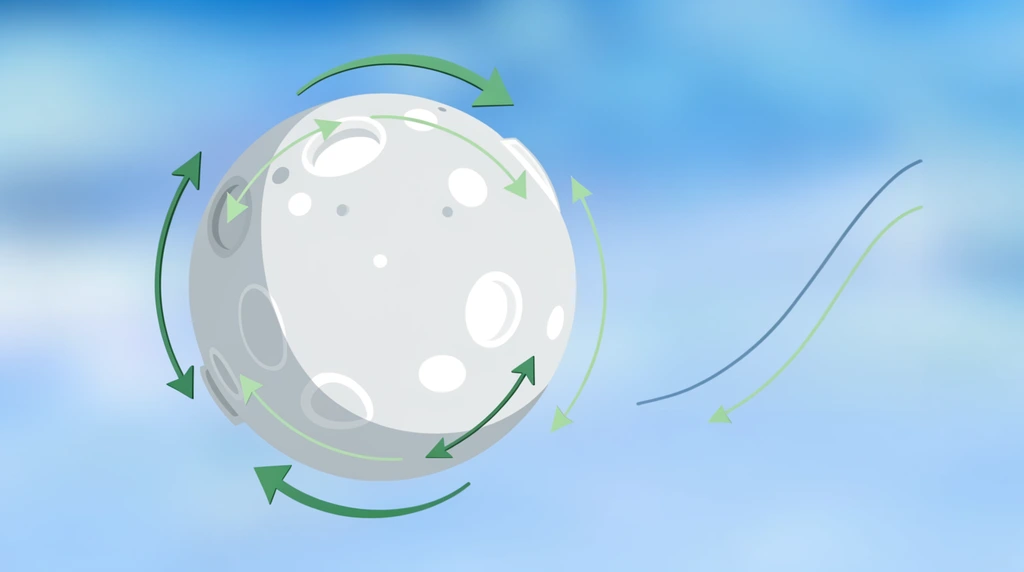
Why Eon's Spinning Moon Speeds Up and Slows Down
Eon notices his animated moon doesn't move at a steady pace — it creeps, races, then eases to a stop. That one sharp question opens up how Blender 'interpolates' between keyframes, and how the Graph Editor lets you change the speed curve from linear to bouncy to elastic.
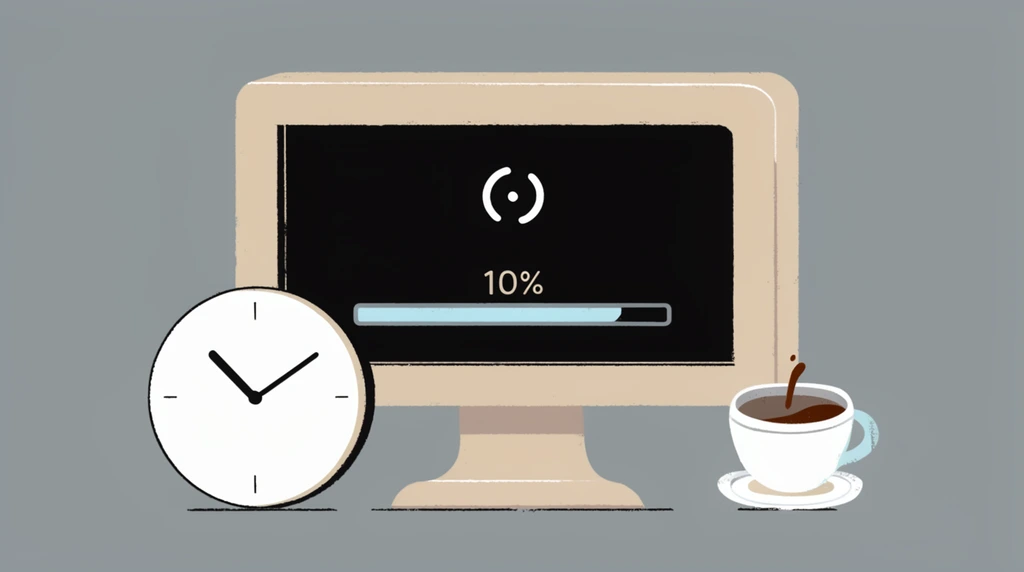
A Moment of Truth: Watching a Render That Took Over an Hour
After waiting more than an hour, Eon finally hits 'View Animation' on his very first 3D movie. It works — but when he tries to zoom in, he discovers something real about how a finished render plays back.
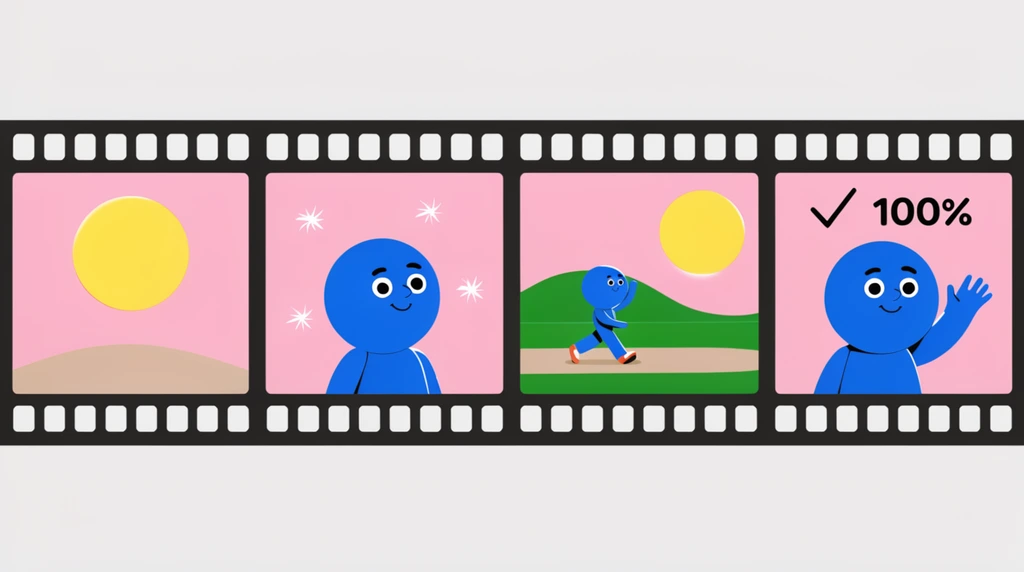
Rendering a Moon Movie, One Frame at a Time
Eon clicks 'render animation' and watches the computer build his spinning-moon movie frame by frame — discovering why every picture is really just pixels, and how lowering the sampling makes it render faster.

Type the Number: Precise Rotate and Scale in Blender
Eon discovers why dragging with the mouse can't make a moon spin forever — so he opens the N panel and types exact numbers for rotation and scale, the first step toward real animation.
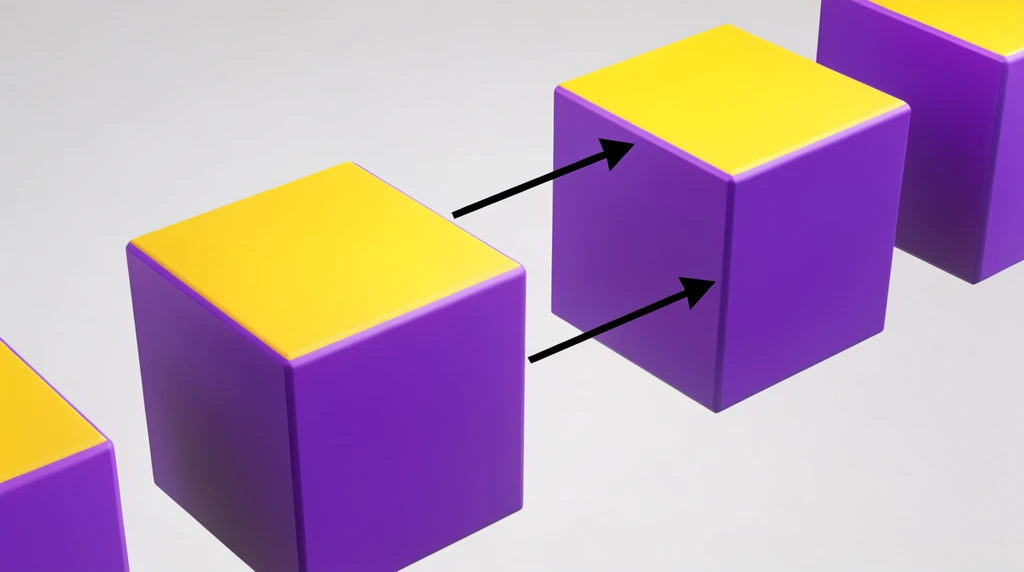
The Array Modifier: Type a Number, Get a Thousand Copies
Eon needs lots of spheres. He could press Shift+D over and over by hand — or add an array modifier, type a number, and let the computer build 8, then 100, then a 5,000-tall tower automatically. It's the loop idea, in 3D.

Make a Moon From a UV Sphere
Eon builds a Moon in Blender, and a Moon is a ball — so he meets the UV sphere. Along the way he fixes a wrong key guess, finds the sphere hiding in the Mesh menu, and uses wireframe mode to see why a sphere is just longitude and latitude lines.

Wrapping a Flat Photo Around a Ball: How NASA's Moon Maps Work
Eon wants to rebuild the whole solar system in 3D and starts with the Moon. He opens NASA's real photos and discovers the trick pros use: take a flat picture, wrap it around a sphere like a pancake, and add height data so the craters actually stick out.

Glass, Light, and Why Hot Stars Are Blue
Eon turns his Blender model into glass, makes it glow like a snow globe, and turns the light blue — then discovers the real-star rule: blue is the hottest, red is cooler.
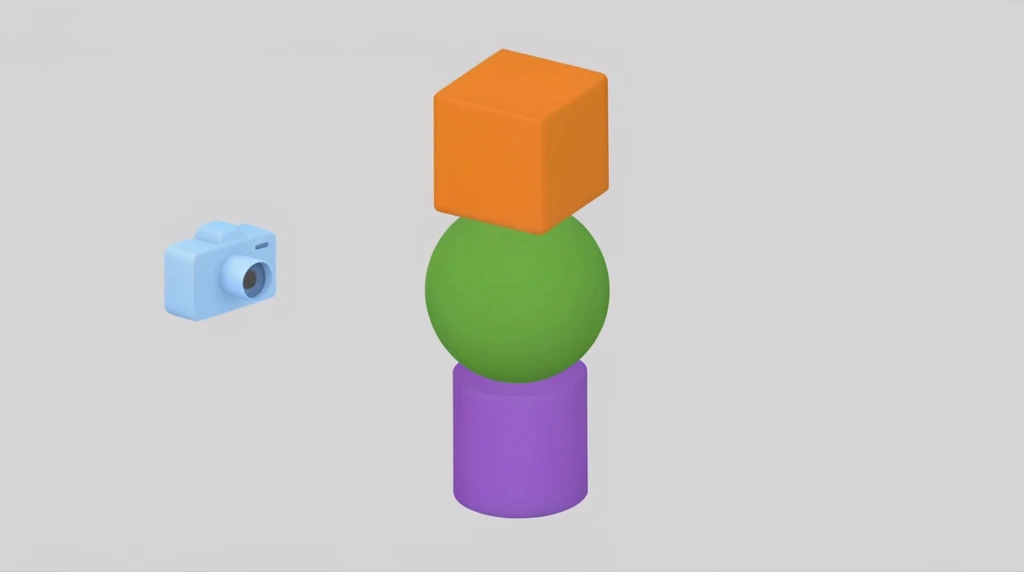
From a Squashed Cylinder to a Glass Planet: Blender Shapes, Light & a UV Sphere
Eon sees his watch is just simple shapes rearranged, then builds a scene: a plane floor, a cube lifted on the Z axis, a light he sweeps like a sunrise, and a UV sphere he turns into a smooth 'planet Earth'.

From Sketch to Real: How Blender Adds Light to a 3D Watch
Eon takes a rough 3D watch and walks through Blender's four view modes — wireframe, solid, material preview, and render — discovering how the computer calculates light, shadow, and reflections to make a model look like a real photo.

Building a Watch in Blender: Meet the Cylinder
Eon wants to model a watch, so first he has to figure out its shape. Along the way he deletes the cube with X, adds a cylinder, peeks inside it with wireframe mode, and flattens it into a watch face.
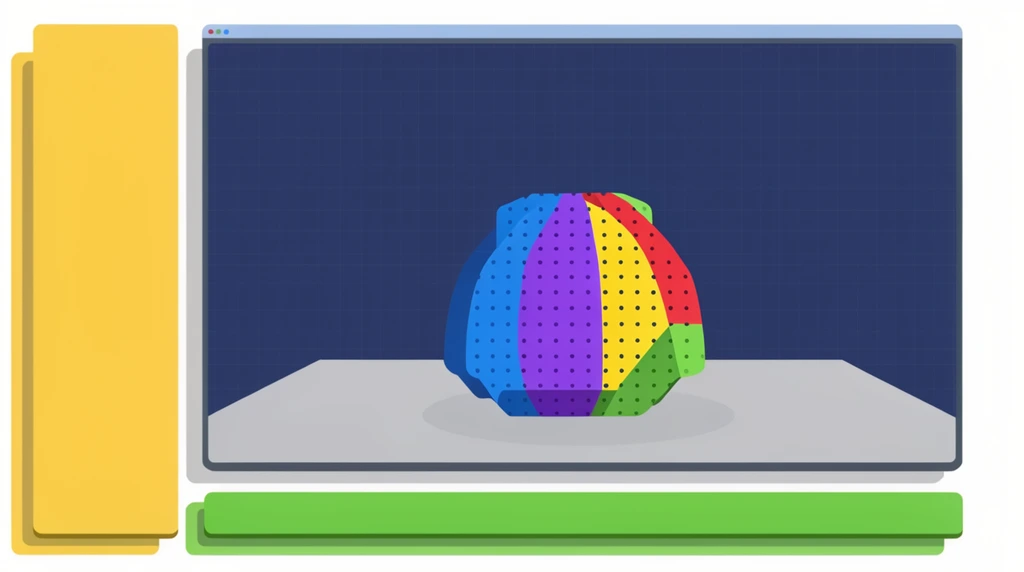
Meet Blender — and Learning by Building a Real Project
Eon's 3D tool is Blender, a free program pros use for animation, modeling, and 3D printing. Instead of boring drills, the plan is to learn it by building something Eon actually wants: a watch.
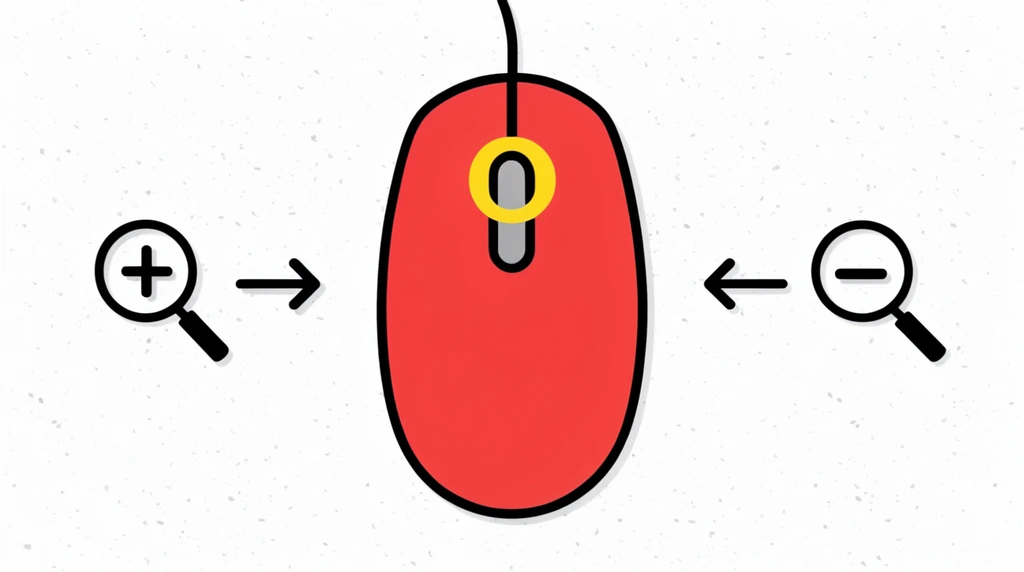
The Scroll Wheel: Two Tricks Hiding in the Middle of Your Mouse
The little wheel between the mouse buttons does two jobs in 3D: roll it to zoom, and press-and-drag it to spin your view to a new angle. Eon learns both — and that zoom can feel backwards.

Clicking to Select: Eon's Left-Handed Mouse
Eon reviews the cursor, then learns to click a mouse button to select a cube — and click again to deselect it. Plus a surprise: his mouse is set up for a left-handed person, so the 'big button' is on the right.
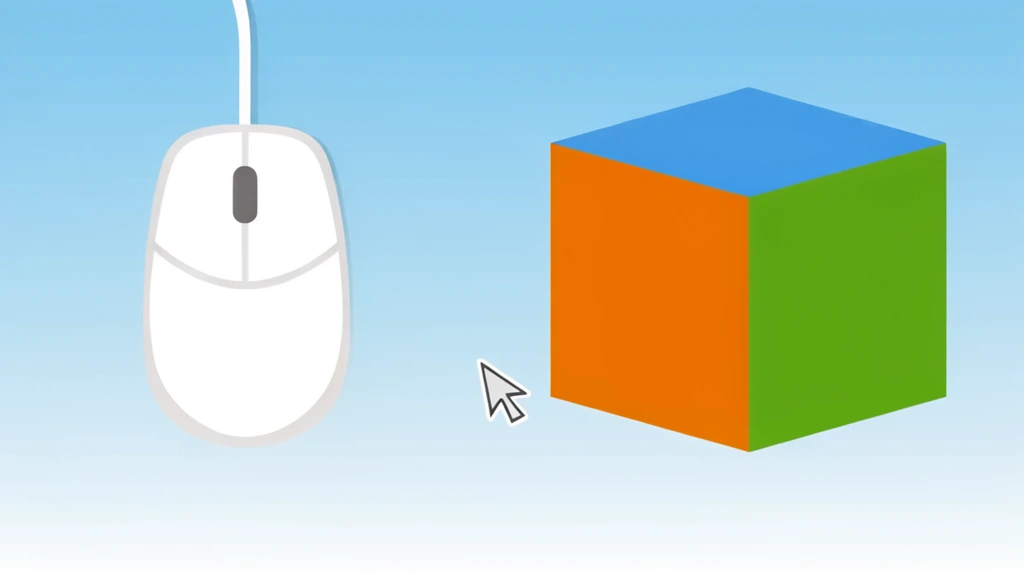
3D Studio Begins: The Mouse and the Cursor
Before building anything in 3D, Eon meets the most basic tool of all — the mouse — and the tiny arrow it moves on screen: the cursor.